Server-Side · Google Tag Manager

Server-Side Tracking: Your Data Goes Through Your Server

Your measurement data passes through a server you control before it reaches Google and Meta. I set up the server container, the Conversions API and consent, directly with you.

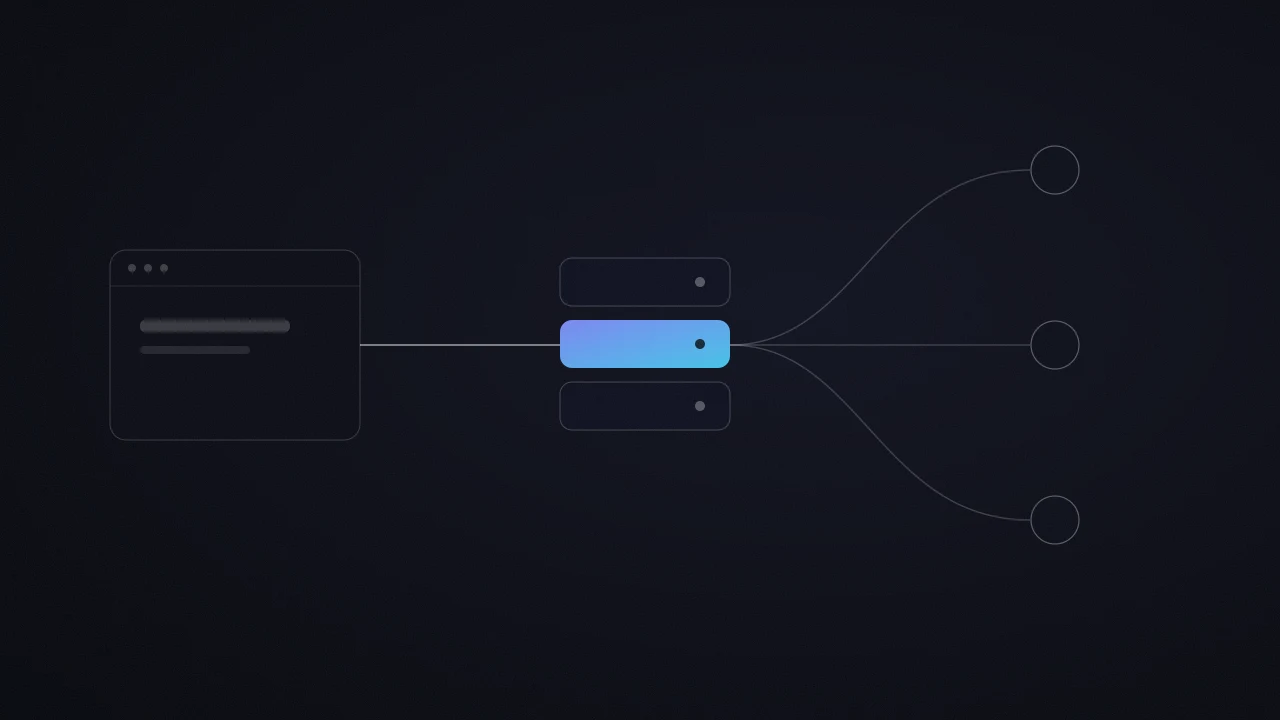
Server-side tracking routes your measurement data through a server you own, placed between your website and the ad platforms: your site sends its events to that server, which then forwards them to GA4, Google Ads and Meta. I am Théo Maupilé, a freelance tracking & Google Tag Manager specialist based in Barcelona, trained in a top 5 global advertising group. I set up server-side tagging, Meta’s Conversions API and Consent Mode for SMBs and larger companies. Every engagement is priced per project, after a measurement audit.

Own My Data
Théo Maupilé, freelance Google Ads et Meta Ads

Who I am

Who Runs Your Tracking

I'm your growth partner. You work with the person who manages your bids, and who sees your marketing channels as one whole, connected to your landing page, your positioning, your offer and the innovation in your market. Together, we build an acquisition system made to last.

Five years of Paid Media, including one year at Mediabrands, a media group in the global top 5, and more than 100 companies supported. Now freelance, working directly with my clients.

  • Google Partner
  • SuperMalter (top 10%)
  • 61 five-star reviews on Malt and LinkedIn
  • 100+ clients supported

Client reviews

They Trust Me With Their Measurement.

Reviews published on Malt and LinkedIn, with the company logo: you can trace them back.

JJosé María★★★★★

He's incredibly skilled, proactive, and always goes the extra mile to deliver top-quality work. His deep knowledge of Google Ads and his strategic mindset make him a key asset in any project. Théo is not only highly professional and detail-oriented, but also genuinely attentive and pleasant to work with.

VVijay Kalvakuntla★★★★★

Theo and I worked very closely to deliver ads management services for our clients. Theo is very collaborative and produces very high quality work. Theo is a great partner and is easy to work with. I highly recommend Theo.

Career

From Google to freelance

Three steps, one specialty: online advertising managed for profitability.

  1. Before 2021 – 2023

    Google

    Google Ads specialist, official Google project

    Trained on Google’s official best practices and on Google Ads betas, I managed campaigns for 40 companies and marketing agencies in the French-speaking market.

  2. Then 2023 – 2024

    Mediabrands

    Paid Media expert for Google Ads and Amazon Ads, a global top 5 media group

    Over €400,000 in annual budget managed for luxury, automotive and e-commerce brands.

  3. Today since 2023

    Freelance

    Growth partner, working directly with my clients

    More than 100 companies supported, budgets from €750 to over €100,000 per month, 61 five-star reviews on Malt and LinkedIn.

Growth partner

Six growth levers, beyond the platforms

A campaign works at its best when everything around it works with it. These are the six areas I work on with my clients.

Positioning

Every market follows the innovation adoption curve: a few pioneers, then the early adopters, then the majority. Each group buys for a different reason: the first ones want a head start, the majority wants proof.

My role: I place your customer on this curve, then compare your offer with what your market already provides. Together, we turn your difference into a message that speaks to the right part of the curve.

Measurement and data

Algorithms learn like a student: with the right answer key, they improve fast. That answer key is your conversion data.

My role: I make your tracking reliable and send your real sales back to the ad platforms. I recommend starting here, because every other lever builds on it.

Neuromarketing

Behind every click there is a human being, with emotions and mental shortcuts. Many of our choices come from intuition, and reason comes afterwards to justify them.

My role: I start from your customer's buying psychology: what reassures them and what makes them act. I use proven mechanisms, such as social proof or the way an offer is framed, in your ads and on your page.

Landing page

The click is bought, the page converts. Your page is a salesperson talking to all your visitors at once: every friction you remove makes your whole budget more profitable.

My role: I rank the friction points on the page that receives the click by what they cost. My recommendation starts with the first one to fix, the one that pays back fastest.

Technology and tools

Advertising and AI tools change every month. Well chosen, they save hours and give you an early edge in your market.

My role: I explore for you. I test new features as soon as they ship, and your campaigns adopt the ones that have proven themselves. You get the right choice, with the reason behind it.

Process and systems

A good decision made once gives one result. Turned into a system, it runs every month and improves each time, like compound interest.

My role: I turn what works into a repeatable routine, with automated checks and regular reports. Your growth then rests on a method.

Pick a lever to see how I work on it.

Server-side today

What Google And Meta Say About Server-Side.

Four facts published in their documentation, worth knowing before you move your tracking to a server.

2 stepsthat Google keeps separate: the gateway, which serves its scripts from your domain, and the server. Google recommends completing both for the most durable tagging setup
3 instancesminimum per server container, recommended by Google once live traffic arrives, to avoid data loss during an outage
1 subdomainof your website pointed at the server: it can then read and write cookies that page scripts cannot see, which Google describes as more durable
48 hoursfor Meta to recognize the same event sent by the Pixel and by the Conversions API, provided both carry the same event ID

Facts published by Google and Meta in their developer documentation, read on 27 October 2026. These are not campaign results.

Google Tag Manager server container

GTM Server Container

A second Google Tag Manager container, of the server type, receives your website’s events and forwards them to GA4, Google Ads and Meta. It runs on Google Cloud or another host, under a subdomain of your website.

Meta Conversions API

Meta Conversions API

Your server sends your conversions to Meta alongside the Pixel. Each event carries the same ID on both sides, so Meta counts it once and its algorithm learns from accurate numbers.

Control over the data you send

Control Over Your Data

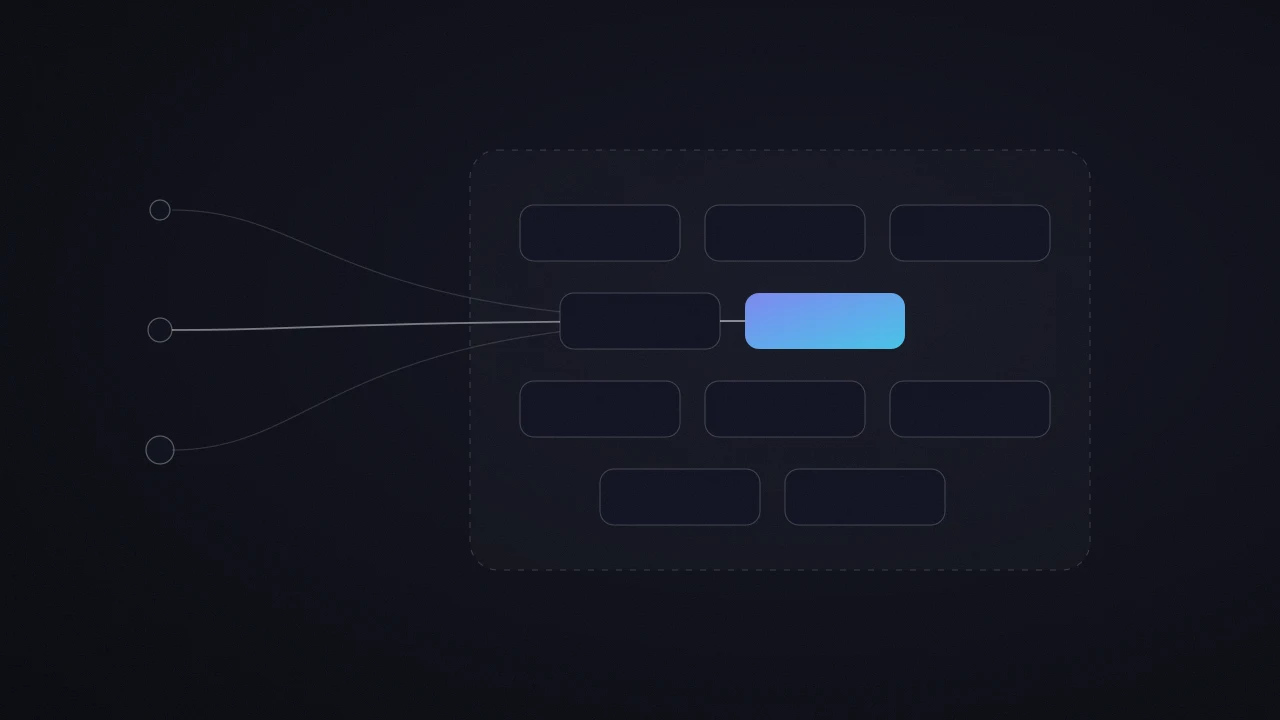
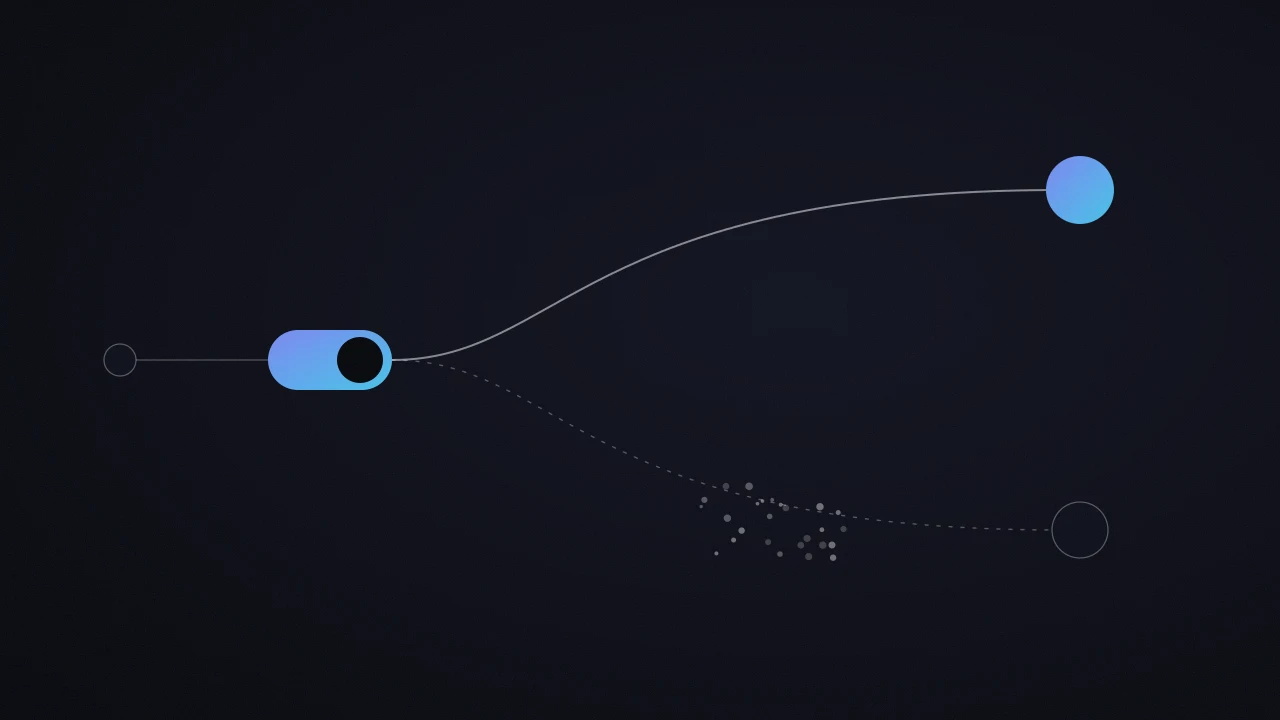
Picture an airlock between your website and the ad platforms: every piece of data goes through it before leaving, and you hold the door. In the server container you decide what each platform receives, and you can strip personal data before it is sent.

Consent and Consent Mode

Consent & Consent Mode

Server-side changes the path your data takes, and the consent rules stay the same. Consent Mode is initialized in each container, the website one and the server one, and your record of processing activities lists the server.

In practice

What I Set Up.

Audit Of Your Current Measurement

Before the server, I check what your website already sends: tags, conversions, consent, gaps between platforms. A server forwards what it receives, so we start from clean measurement.

Server Container & Hosting

Server container created in Google Tag Manager, deployed on Google Cloud (Cloud Run) or another host, with the number of instances your traffic needs.

First-Party Subdomain

A subdomain of your website points to the server: requests leave from your domain, and the cookies the server sets last longer.

GA4 & Google Ads Server-Side

GA4 events and Google Ads conversions go out from the server, with enhanced conversions when the consent you collect covers them.

Meta Conversions API

Pixel and Conversions API wired together, with a shared event ID for deduplication, checked in Meta’s Events Manager.

Testing & Documentation

Every conversion is followed end to end, from the website to the platforms, then documented: you know what goes through the server, and why.

To avoid

The 4 Most Expensive Server-Side Mistakes.

The first one happens before the server even exists.

  1. Mistaking Google’s Gateway For Server-Side

    The gateway (Google tag gateway) serves Google’s scripts from your domain, and the browser still sends the data. Google presents it as a step separate from the server. Of the 10 client websites I audited on 27 September 2026, none had a server container, including the ones with the gateway switched on.

  2. Sending The Same Conversion Twice

    A Pixel and a Conversions API sending the same purchase without a shared ID: Meta counts it twice, and its algorithm optimizes on inflated numbers. The event ID goes in from day one.

  3. Going Server-Side On Shaky Measurement

    The server relays what your website sends it: a conversion badly defined in the browser stays badly defined after the server. I make the website’s measurement reliable first, and the server comes next.

  4. Keeping The Server’s Default Address

    A freshly created server answers on a run.app address. Google strongly recommends pointing a subdomain of your website to it: that is what lets the server set more durable, better protected cookies.

How it works

What To Know Before Moving To Server-Side.

A simple, well-framed process is what produces reliable data.

  1. Measurement Audit

    Where your website’s data goes today, and what gets lost. You leave with a clear decision: we move to server-side now, or we first fix one specific point in the website’s tracking.

  2. Server & Connections

    Server container deployed on your subdomain, GA4, Google Ads and Meta reconnected, consent passed along at every level.

  3. Testing & Follow-Up

    Conversions compared before and after the switch over several days, then documentation of what goes through the server.

I am with you at every step.

Own My Data

Commitment

With Or Without A Commitment: Two Ways To Work Together

I offer to work with or without a commitment, because each option has its advantages depending on the moment.

Month To Month

The work continues as long as it makes sense for you.

The Benefits

  • You adjust or stop the work from one month to the next, with full flexibility.
  • Ideal to start working together and judge on results.

Good To Know

Visibility builds month by month, with a strategy planned in shorter cycles.

Agreed Term

We set a length together from the start, for more stability.

The Benefits

  • A clear horizon to plan the strategy and the tests over several months.
  • You know the cost of the work for the whole period in advance, for a predictable budget.

Good To Know

The agreed term runs to its end, with less room to change course if your priorities shift along the way.

Each option has its moment. I am open to both, and we discuss it together at the quote stage.

Either way, for a first launch or a first campaign test, I recommend 2 to 3 months minimum, to gather as much data as possible before judging how well an account or a campaign performs.

FAQ

Questions, Answers

The questions people ask before moving their tracking to server-side.

What Does Server-Side Tracking Do?

It routes your measurement data through a server before it goes to Google, Meta or your other tools. Your website sends its events to that server, under a subdomain you own, and the server forwards them to the platforms.

Requests leave from your domain, and you decide what each platform receives.

What Is GTM Server-Side Tagging?

It is a second Google Tag Manager container, of the server type, added next to the web container already installed on your website. Google deploys it on Google Cloud (Cloud Run) from Tag Manager, or you install it with the host of your choice.

The web container sends the events, the server container receives them, processes them if needed, then forwards them to GA4, Google Ads or Meta.

Why Use Server-Side Tagging?

Google highlights two gains: less code running in the browser, and visitor data better protected in an environment you manage. Pointed at a subdomain of your website, the server also sets more durable cookies.

I recommend it as soon as your campaigns rely on algorithms that learn from your conversions (automated bidding, Performance Max, Advantage+): that is where every reliable signal counts.

Is Server-Side Tracking Legal?

Yes, as long as you follow exactly the same rules as browser tracking. Server-side changes the path your data takes, and what you are allowed to collect stays the same: consent is still required, Consent Mode is initialized in each container, and your record of processing activities lists the server.

What it brings to compliance: in the server container you can strip personal data before passing it to a platform.

Can You Give Me An Example Of Server-Side Tracking?

My own website. Since 27 September 2026, page views on theomaupile.com go to GA4 from a Cloudflare server instead of the browser, and only after you accept the cookie banner.

A side effect measured along the way: GA4 now shows the city of almost every visitor, where 91% of page views showed “(not set)” before the switch.

How Do You Implement Server-Side Tagging?

In four steps, in this order: check that the website’s current measurement is clean; create the server container in Google Tag Manager and deploy it; point a subdomain of your website to that server; reconnect the requests (GA4, Google Ads, Meta), then compare conversions before and after over several days.

Google recommends at least 3 instances per container once live traffic arrives, to avoid data loss during an outage.

Is Google Tag Gateway Server-Side?

They are two separate steps. The gateway serves Google’s scripts from your domain, and the browser still sends the data. Server-side adds a server that receives the data and forwards it itself. Google recommends completing both for the most durable tagging setup.

I wrote a guide to check that your gateway is actually carrying your data.

What Happens After You Click

  1. 1

    7 Questions

    A short form: your website, your budget, your goal. Two minutes is all it takes.

  2. 2

    A 20-Min Call

    You walk me through what has already been done, your goals and your challenges. Then we look at how we can work together.

  3. 3

    Your Access And My Onboarding

    You give me access to your accounts, and I send you my onboarding document to go into the detail of your business, your market and your positioning.

  4. 4

    Building Your Strategy

    We start building your strategy from everything you have shared with me.

  5. 5

    Our Day-To-Day Communication

    I adapt to your team's tools: Slack, Microsoft Teams, Gmail or Google Chat for the roadmap and project follow-up. WhatsApp is kept for urgent requests.

    • Slack
    • Microsoft Teams
    • Gmail
    • Google Chat
    • WhatsApp
Théo Maupilé

Growth partner

Positioning, acquisition, innovation: together we build a lasting growth system.

Théo MaupiléFreelance Paid Media

Google PartnerSuperMalter

◉ Certifications

Official Google Partner
& SuperMalter