


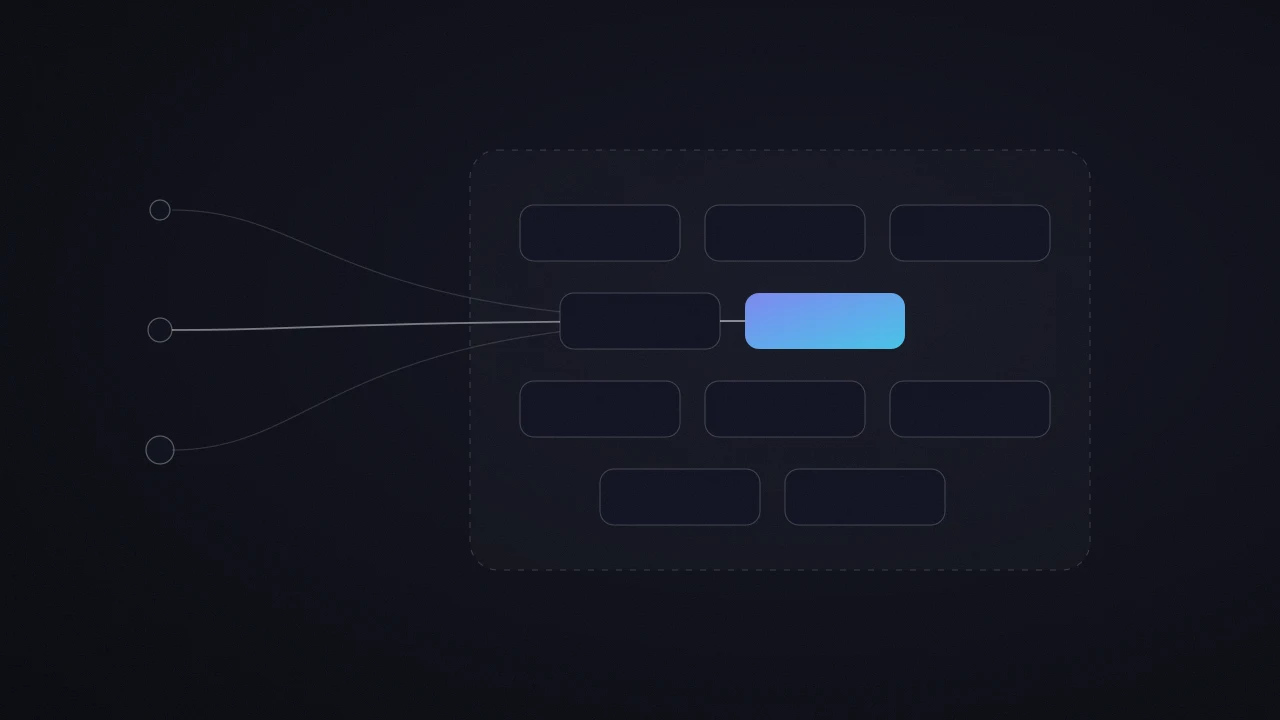
Google Tag Manager
Setup and optimization of tags via Google Tag Manager to activate advanced targeting based on user behavior at each stage of the customer journey.
Digital Marketing
Make better decisions and boost your performance with expert-level tracking.
Google Partner · 5/5 on Malt and LinkedIn (61 reviews) · 100+ clients supported.
Trust My DataSetup and optimization of tags via Google Tag Manager to activate advanced targeting based on user behavior at each stage of the customer journey.
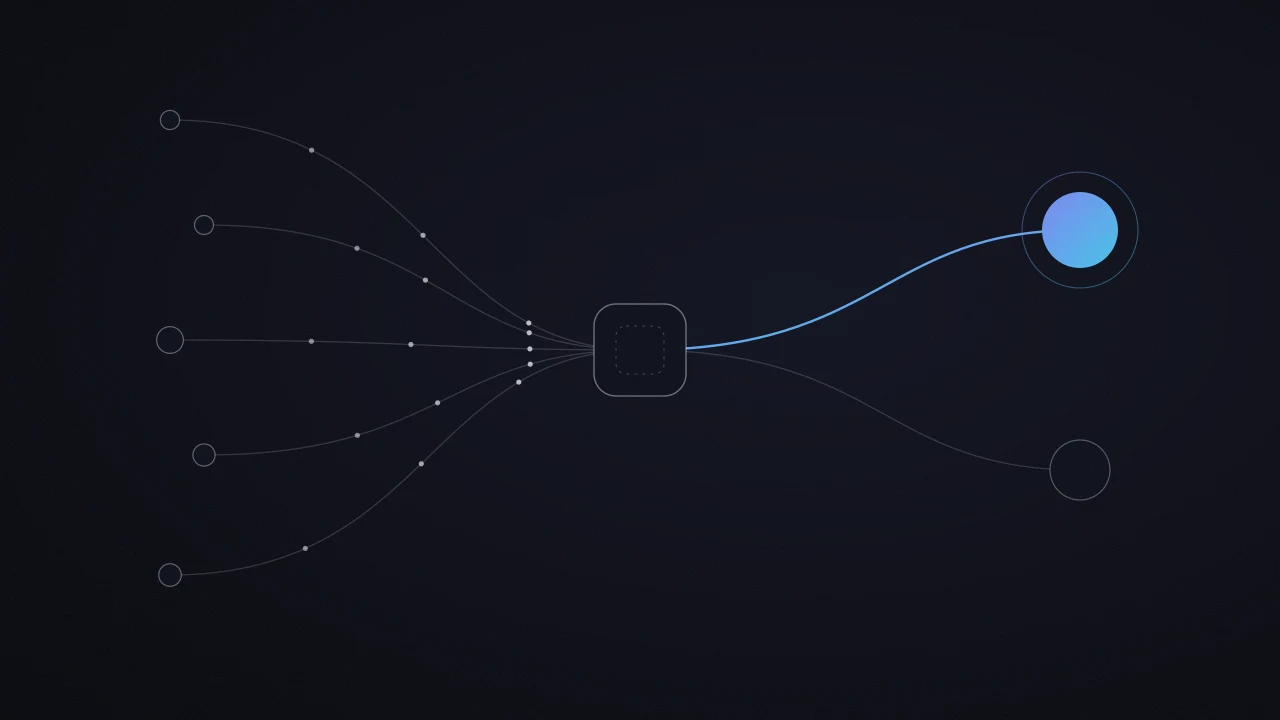
Setup and optimization of advanced tracking (GA4, GTM, conversion APIs) to measure what truly matters and make decisions based on data.
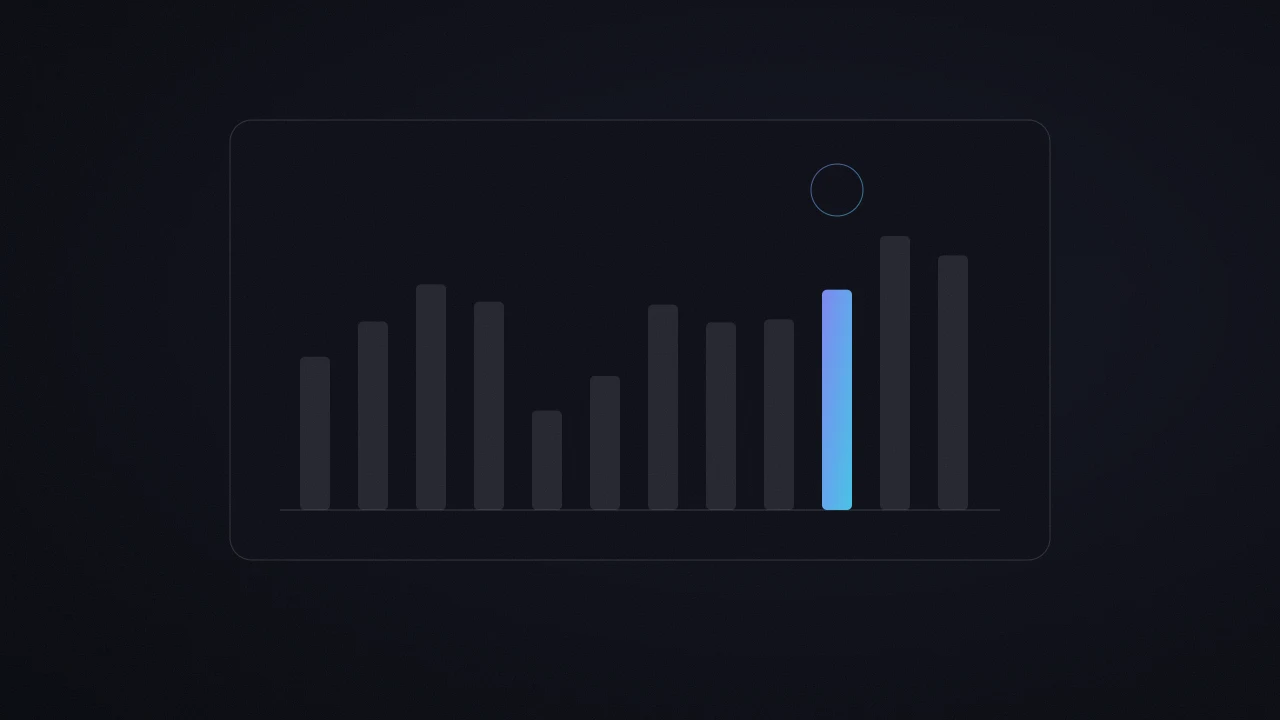
A solid analysis starts with reliable data. I’m fully proficient in GA4 to give you a clear, actionable view of your performance.

Machine learning boosts performance when it receives the right signals. Precise tracking feeds the algorithm, allowing it to better optimize targeting, bidding, and conversions.
Career
Three steps, one specialty: online advertising managed for profitability.
Before 2021 – 2023
Google Ads specialist, official Google project
Trained on Google’s official best practices and on Google Ads betas, I managed campaigns for 40 companies and marketing agencies in the French-speaking market.
Then 2023 – 2024
Paid Media expert for Google Ads and Amazon Ads, a global top 5 media group
Over €400,000 in annual budget managed for luxury, automotive and e-commerce brands.
Today since 2023
Growth partner, working directly with my clients
More than 100 companies supported, budgets from €750 to over €100,000 per month, 61 five-star reviews on Malt and LinkedIn.
Growth partner
A campaign works at its best when everything around it works with it. These are the six areas I work on with my clients.
Every market follows the innovation adoption curve: a few pioneers, then the early adopters, then the majority. Each group buys for a different reason: the first ones want a head start, the majority wants proof.
My role: I place your customer on this curve, then compare your offer with what your market already provides. Together, we turn your difference into a message that speaks to the right part of the curve.
Algorithms learn like a student: with the right answer key, they improve fast. That answer key is your conversion data.
My role: I make your tracking reliable and send your real sales back to the ad platforms. I recommend starting here, because every other lever builds on it.
Behind every click there is a human being, with emotions and mental shortcuts. Many of our choices come from intuition, and reason comes afterwards to justify them.
My role: I start from your customer's buying psychology: what reassures them and what makes them act. I use proven mechanisms, such as social proof or the way an offer is framed, in your ads and on your page.
The click is bought, the page converts. Your page is a salesperson talking to all your visitors at once: every friction you remove makes your whole budget more profitable.
My role: I rank the friction points on the page that receives the click by what they cost. My recommendation starts with the first one to fix, the one that pays back fastest.
Advertising and AI tools change every month. Well chosen, they save hours and give you an early edge in your market.
My role: I explore for you. I test new features as soon as they ship, and your campaigns adopt the ones that have proven themselves. You get the right choice, with the reason behind it.
A good decision made once gives one result. Turned into a system, it runs every month and improves each time, like compound interest.
My role: I turn what works into a repeatable routine, with automated checks and regular reports. Your growth then rests on a method.
Pick a lever to see how I work on it.
Catalog
Each line has already been set up or tested on a real client account, from a click on a phone number to custom variables.
How it works
A simple and seamless process that drives your results
Analyze user journeys to identify key actions and friction points.
Select relevant variables to measure and implement them via Google Tag Manager to ensure reliable data collection.
Define and configure conversion events to measure performance and guide optimization efforts.

By your side at every step for a frictionless experience.
Commitment
I offer to work with or without a commitment, because each option has its advantages depending on the moment.
The work continues as long as it makes sense for you.
The Benefits
Good To Know
Visibility builds month by month, with a strategy planned in shorter cycles.
We set a length together from the start, for more stability.
The Benefits
Good To Know
The agreed term runs to its end, with less room to change course if your priorities shift along the way.
Each option has its moment. I am open to both, and we discuss it together at the quote stage.
Either way, for a first launch or a first campaign test, I recommend 2 to 3 months minimum, to gather as much data as possible before judging how well an account or a campaign performs.
FAQ
Everything companies ask me before handing over their measurement and tracking.
Without measurement, there’s no optimization. Tracking conversions helps you understand what works (and what doesn’t) in your sales funnel. It’s what allows you to allocate your budget smartly, adjust your campaigns in real-time, and improve your return on investment. Good tracking is like a GPS: without it, you’re moving blindly.
You should work with a freelance tracking expert as soon as you want to secure your data ecosystem, make decisions based on real user actions, and maximize the performance of your Google Ads, Meta Ads, or e-commerce campaigns.
Yes, GA4 combined with Google Tag Manager allows you to set up effective multi-platform remarketing, provided your tracking is well structured.
With GA4, you can create custom audiences based on real user behavior (e.g. scrolls, clicks, product views, cart abandonment, visits to specific pages). These audiences can then be shared directly with Google Ads to launch highly targeted remarketing campaigns.
At the same time, Google Tag Manager lets you install and configure other remarketing tags, such as the Meta Pixel (Facebook Ads), LinkedIn Insight Tag, TikTok Pixel, or any other advertising tool, without touching your site’s code.
No, Google Tag Manager (GTM) is not mandatory, but it’s highly recommended if you want tracking that’s reliable, scalable, and easy to manage.
Without GTM, every tag modification, like those for Google Ads, Meta Pixel, Hotjar, or GA4, has to go through a developer and be manually added to your site’s code. It’s slow, risky, and often leads to errors.
With GTM, you centralize all your scripts in one place. You can activate, test, and update them independently without touching the source code. It’s the ideal solution for managing marketing or analytics tags, triggering custom events, tracking conversions precisely, and reacting quickly without relying on developers.
For any advanced tracking project, paid media campaign, or data-driven strategy, a Google Tag Manager expert will save you valuable time while securing your data.
Yes, Consent Mode V2 is now essential if you want to keep tracking conversions accurately in Google Ads and GA4 while staying compliant with GDPR requirements.
This is a question many companies ask themselves, and in most cases, the data is not entirely reliable. It could be due to misconfigured tags, events that don’t fire, incorrect GA4 settings, or issues with user consent.
When your numbers are incomplete or inconsistent between GA4, Google Ads, and Meta Ads, you risk making decisions based on inaccurate data. Poor tracking can directly affect your performance and your budget.
Working with a tracking or Google Tag Manager expert helps you identify errors, secure your data, and ensure that every valuable conversion is properly measured and used to optimize your campaigns.
In Google Tag Manager, the trigger defines when a tag should fire. For example: “when someone clicks on a button” or “when a specific page loads.” It’s the action that initiates the tracking.
The variable, on the other hand, is used to capture specific information at the moment the trigger activates. For example: the page URL, the ID of the clicked button, or the value of a product. It’s used to personalize the tag with contextual data.
Macro-conversions are the final actions with a high impact on the business, such as a purchase, a quote request, or a confirmed registration. They mark the completion of the customer journey and are generally the foundation of the main goals in paid media campaigns.
Micro-conversions, on the other hand, are small signals that indicate a user is interacting or showing interest: deep scroll on a page, click on a “Contact” button, video playback, progressing through a step in a form.
An expert in GA4 or Google Tag Manager knows how to configure and track both types, as micro-conversions fuel behavioral analysis and help identify friction points in the user journey.
Count a few hours, sometimes until the next day. It’s the most common false alarm: you place a tag, you test, you see nothing within the hour and you conclude it’s broken. Before concluding, check GA4 real-time or Google Tag Manager preview mode: those answer instantly, and they tell you whether the event actually fires.
Yes, as long as it follows exactly the same rules as browser-side tracking. Server-side doesn’t change what you’re allowed to collect, it only changes where the data travels: instead of going from the browser to Google, it passes through a server you control. Consent stays mandatory, Consent Mode still applies, and your records of processing must mention that server. What it buys you is measurement reliability, not an exemption from consent: be wary of anyone selling it as a workaround.
Yes in almost every case, and it’s one of the first things I check on an account. They send Google a hashed version of the data your customer has already given you (email, phone), which lets you reattach conversions the browser alone can no longer attribute. The gain is real since the cookie restrictions. The two cases where I don’t turn them on: when the consent you collected doesn’t cover it, and when the form collects nothing usable.
Google Ads shows a diagnostic per conversion action: that’s where you see whether the data arrives, and in what format. The most common trap is a green status while the field being sent is empty or badly formatted, so nothing is actually reattached. The check that settles it is following a real conversion end to end, from the form to the interface, rather than trusting an indicator.
Both are free, with no limit that concerns almost any site. GA4 has a paid tier, Analytics 360, reserved for very large volumes and billed yearly: you’ll know it when you need it, and you don’t if you’re asking the question. What costs money in tracking is never the licence, it’s the time to wire it correctly.
The price depends on three things: how many platforms to connect (Google Ads, GA4, Meta), the state of what exists (starting from a clean base, or untangling a container that has piled up for years), and how complex the site is. Rebuilding measurement on a brochure site has nothing to do with an e-commerce running several funnels. As with everything else, I’d rather understand your situation on a call and propose a precise scope with a price.
Count one to two weeks for a brochure site, and up to a month for an e-commerce or a multi-platform site. The delay doesn’t come from placing the tags, which is quick, but from the validation phase: you have to trigger real conversions, check they land everywhere, and fix what doesn’t. That’s the phase rushed setups skip, and it’s why their problems surface six months later.
Admin access to Google Tag Manager and GA4, plus admin access to your Google Ads account, requested from my own manager account: you just accept it. Depending on the site, I sometimes need CMS access to place the container, or to go through your developer. Nothing is published without your knowing: in Tag Manager every change goes through a version, so you see exactly what was done and when.
Always start with the tracking, because if the measurement lies, every diagnosis behind it rests on false numbers. Three checks, in this order: compare the conversion count Google Ads shows with what actually happens (calls received, quotes sent, orders paid); put Google Tag Manager in preview mode and trigger a conversion yourself to see whether the tag fires; check GA4 real-time to confirm the event lands. If the gap holds, the problem is in the measurement. If everything matches, it’s elsewhere: the landing page, the offer, or the targeting.
If your conversions aren’t showing up in Google Ads or GA4, it’s often due to a tracking configuration issue. Several common causes can block or distort the data being recorded:
1. Tags not firing correctly in Google Tag Manager: If events aren’t properly configured, they might not trigger at the right time, or not at all.
2. Missing user consent: Under GDPR, if your site doesn’t collect user consent properly (via a CMP), some conversions won’t be tracked.
3. Conversions not imported into Google Ads: Even if GA4 detects the conversions, they won’t automatically appear in Google Ads unless the import is enabled and linked to the correct event.
4. Incorrect setup in GA4: An event only becomes a conversion if you’ve explicitly marked it as such in the GA4 interface.
5. Data processing delays: Sometimes GA4 takes several hours to reflect certain conversions, especially those coming from multi-channel campaigns or with delayed attribution.
A tracking or GA4 expert can quickly audit your setup, identify the bottlenecks, and ensure that every valuable conversion is accurately tracked, recorded, and usable for campaign optimization.
This is a common question, and the answer is simple: each platform tracks conversions differently, with its own attribution rules, data processing times, and methodologies.
Here are the main reasons for discrepancies:
1. Different attribution models: Google Ads often attributes the conversion to the last click on a Google ad. GA4 can use data-driven or multi-touch attribution. Meta Ads typically attributes the conversion within a 1-day view or 7-day click window, which can inflate its numbers.
2. Data processing delays: GA4 may take several hours or even days to process certain conversions. Meta and Google Ads may display data faster or follow different update rules.
3. Cross-platform attribution conflicts: If a user clicks first on a Meta ad and later converts through a Google search, each platform may “claim” the conversion based on its own logic.
4. Consent and tracking: If the user refuses cookies or if Consent Mode is not properly configured, some conversions may only partially be recorded, or not at all, in GA4 or Google Ads.
They aren’t the same skills. Your developer knows how to place code on your site; tracking is about deciding what to measure, how to name it, how to deduplicate it and how to send it back to the ad platforms so they optimize on it. I work very well alongside an in-house developer: I specify what must be sent, they implement it on the site, and I validate that it lands correctly in the platforms. What I add is the measurement decision and its verification, not extra lines of code.
That’s the job of well-built tracking: a single source of events in Google Tag Manager, sent to Google Ads, GA4 and Meta without duplicates. In practice, we set up enhanced conversions on the Google side and the Conversions API deduplicated with the Pixel on the Meta side, plus server-side when the volume justifies it. Each event is then checked in each platform before anything is steered on it.
I start with an inventory: which tags still fire, which ones duplicate each other, which ones no longer serve any purpose. The clean-up follows, with consistent naming and publication through versions tested in preview mode, so nothing breaks along the way. You leave with a documented tagging plan: you know what is measured, where, and how to evolve it.
When some visitors refuse cookies, their conversions escape standard measurement. Consent Mode v2, properly connected to your CMP (iubenda, Axeptio, Cookiebot…), respects their choice while keeping the conversion modeling allowed by Google. It’s one of the first things I check: wired badly, it loses conversions or fires tags without consent.
A redesign is when tracking breaks most often: new forms, new confirmation pages, a dataLayer to rebuild. The safest path is to list, before going live, every conversion tracked today, set it up again on the new site, then test it with real conversions before switching over. Your campaigns keep the signal they optimize on.
I take over tracking in three stages: an audit of the measurement (container, GA4, Google Ads and Meta conversions, Consent Mode, gaps between platforms), fixing what leaks, then validating every event with a documented tagging plan. Admin access to Google Tag Manager, GA4 and Google Ads is enough, and every change goes through a version you can review.
Go deeper
What I publish when a technical point deserves more than a paragraph.
 What Is Firebase, and When Does an Advertiser Actually Need It?7 Min de lecture
 What Is BigQuery, and When Does an Advertiser Actually Need It?8 Min de lecture
 Guide: Google Tag Gateway: Check That Yours Is Actually Carrying Your Data10 Min de lecture
 How to Set Up Google Ads Phone Call Conversion Tracking (Step-by-Step)5 Min de lecture
A short form: your website, your budget, your goal. Two minutes is all it takes.
You walk me through what has already been done, your goals and your challenges. Then we look at how we can work together.
You give me access to your accounts, and I send you my onboarding document to go into the detail of your business, your market and your positioning.
We start building your strategy from everything you have shared with me.
I adapt to your team's tools: Slack, Microsoft Teams, Gmail or Google Chat for the roadmap and project follow-up. WhatsApp is kept for urgent requests.

Growth partner
Positioning, acquisition, innovation: together we build a lasting growth system.
Théo MaupiléFreelance Paid Media
Google PartnerSuperMalter
Answer 7 quick questions and let’s plan a 20-minute call, no strings attached.


